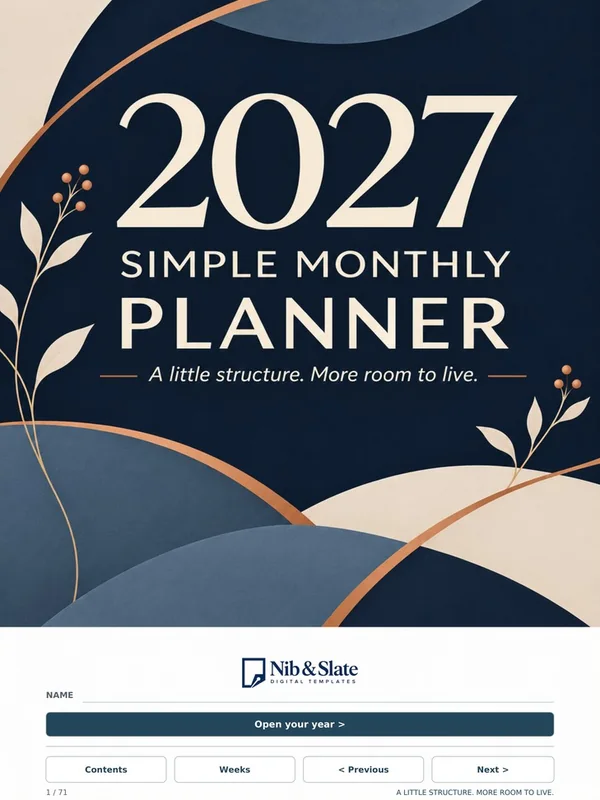
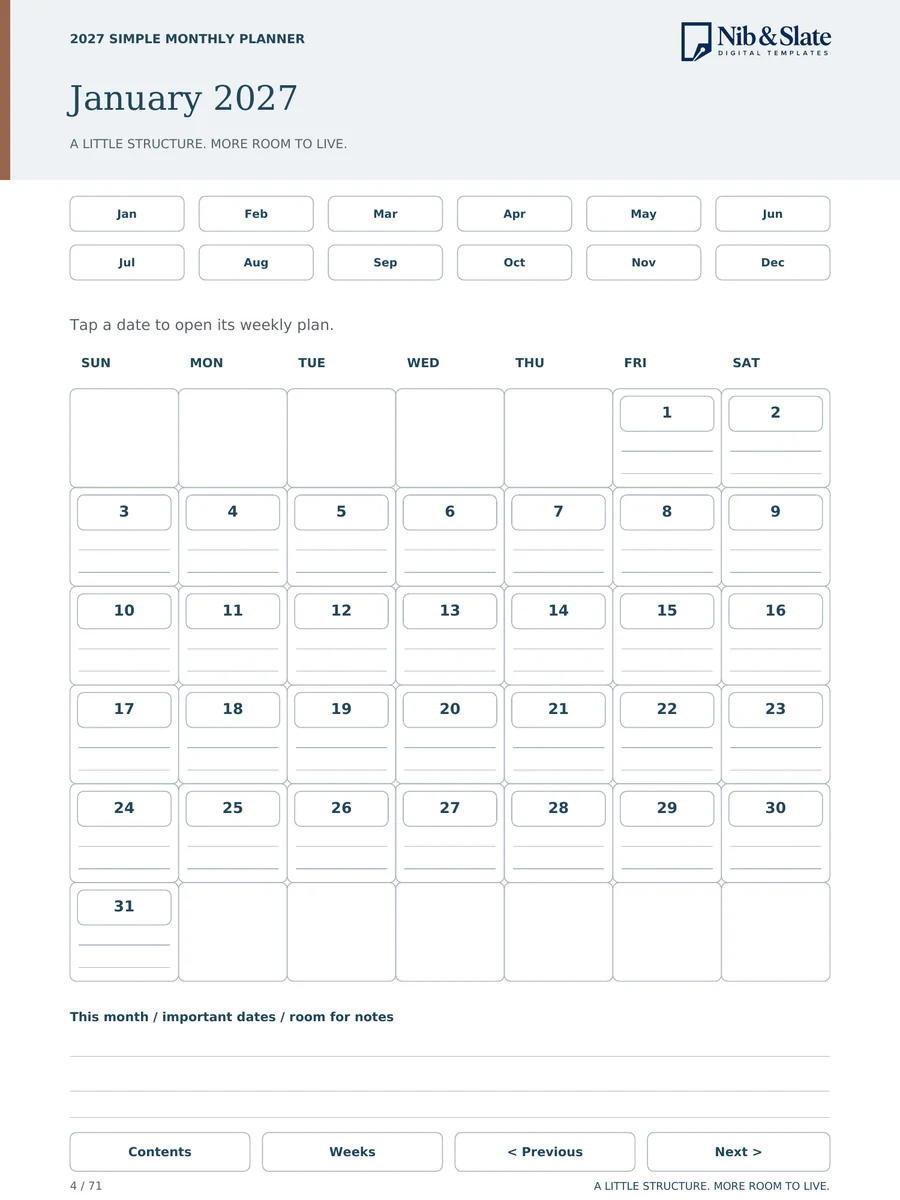
2027 Simple Monthly Planner
Months and weeks, without the clutter.
Sale price $5.60 , regular price $7.00$7.00

Hyperlinked PDF templates for e-ink tablets
Planners, journals and notebooks designed for reMarkable, Kindle Scribe, Kobo, Boox and Supernote. Tap a date or a section and you are there.
Browse the collectionBlack Friday Sale: 20% off every template through November 30. Discount applied automatically at checkout on Payhip.
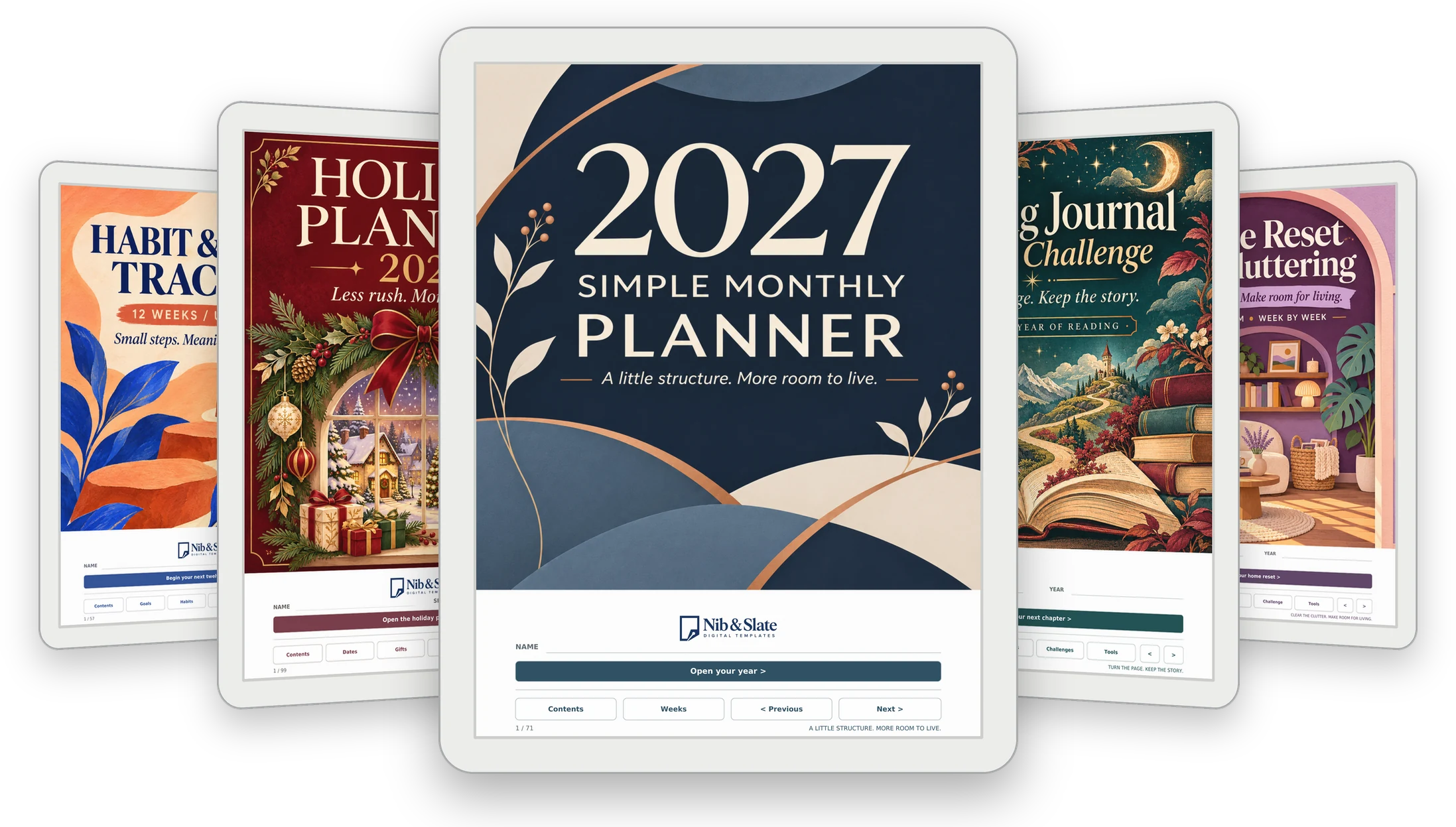
71 templates for planning, home life, play, reflection and study. Every one is a PDF, ready for your tablet.
Black Friday Sale: 20% off every template through November 30. The discount is applied automatically at checkout on Payhip. Prices are in US dollars.
Months and weeks, without the clutter.
Sale price $5.60 , regular price $7.00$7.00
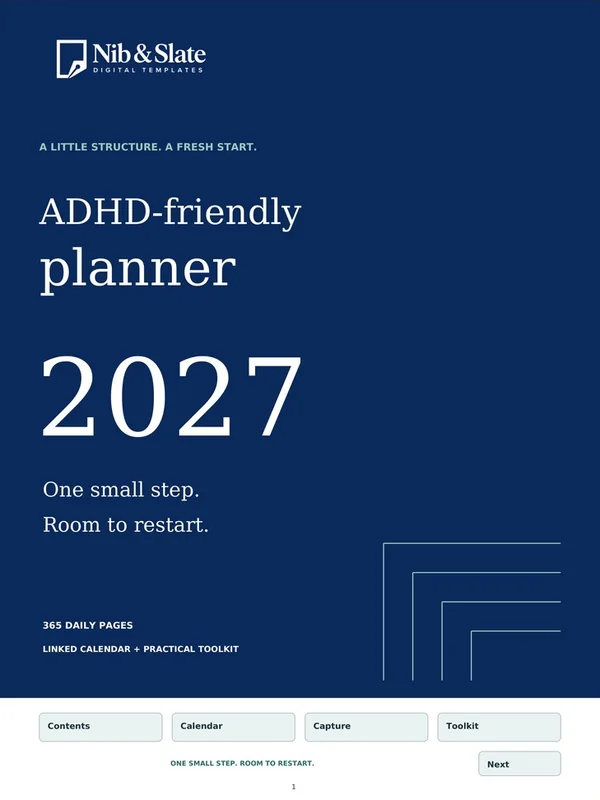
A day page for every date in 2027.
Sale price $6.40 , regular price $8.00$8.00
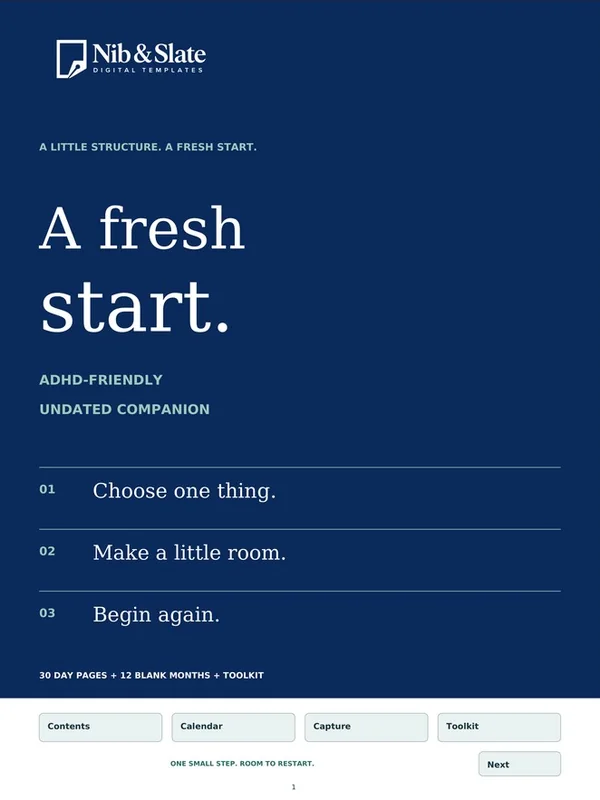
Thirty day pages and 12 blank monthly calendars.
Sale price $5.60 , regular price $7.00$7.00

52 dated weekends to plan and remember.
Sale price $5.60 , regular price $7.00$7.00

Forty teaching weeks and six class spaces.
Sale price $6.40 , regular price $8.00$8.00

Gifts, meals and plans in one calm place.
Sale price $6.40 , regular price $8.00$8.00

Routes, campgrounds and stories in one place.
Sale price $5.60 , regular price $7.00$7.00

One dated page for every day of 2027.
Sale price $6.40 , regular price $8.00$8.00
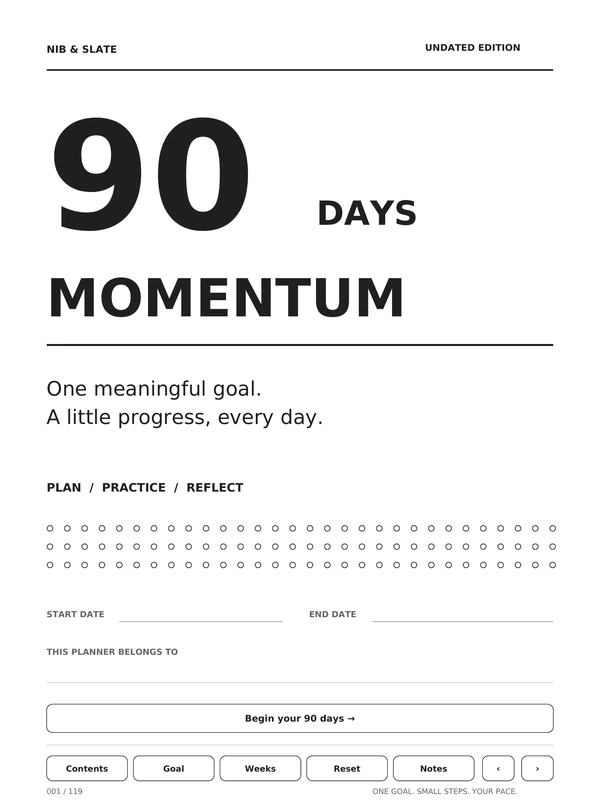
An undated planner for one meaningful goal.
Sale price $4.80 , regular price $6.00$6.00
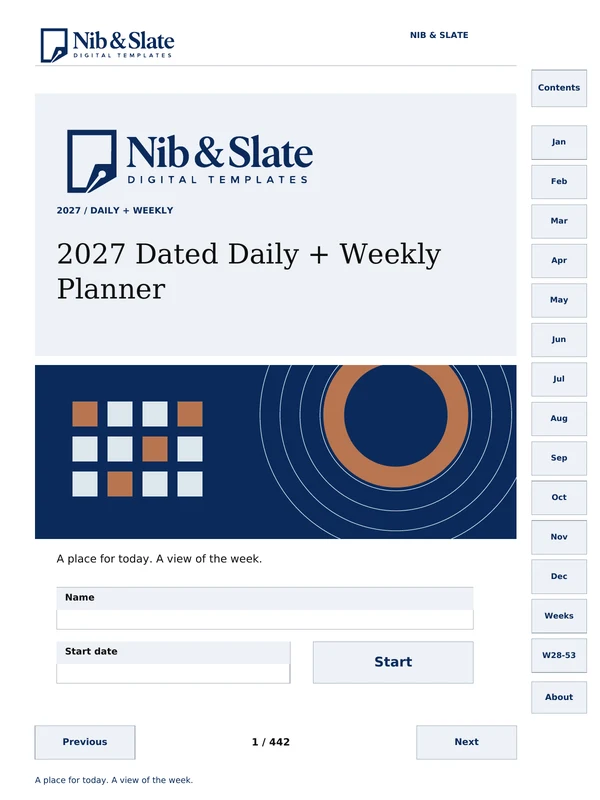
Monthly calendars, weekly pages and a page for every date.
Sale price $5.60 , regular price $7.00$7.00
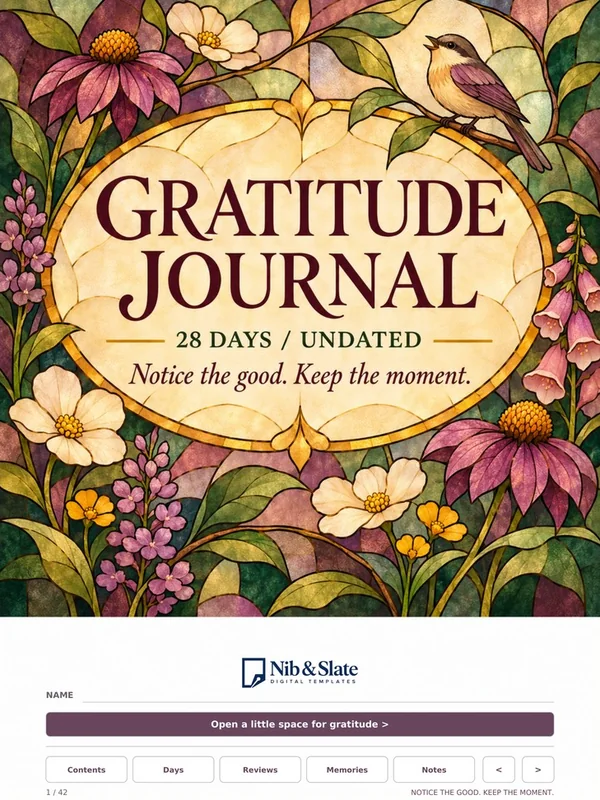
A few quiet minutes to notice the good.
Sale price $5.60 , regular price $7.00$7.00

Your books, notes and challenges together.
Sale price $5.60 , regular price $7.00$7.00
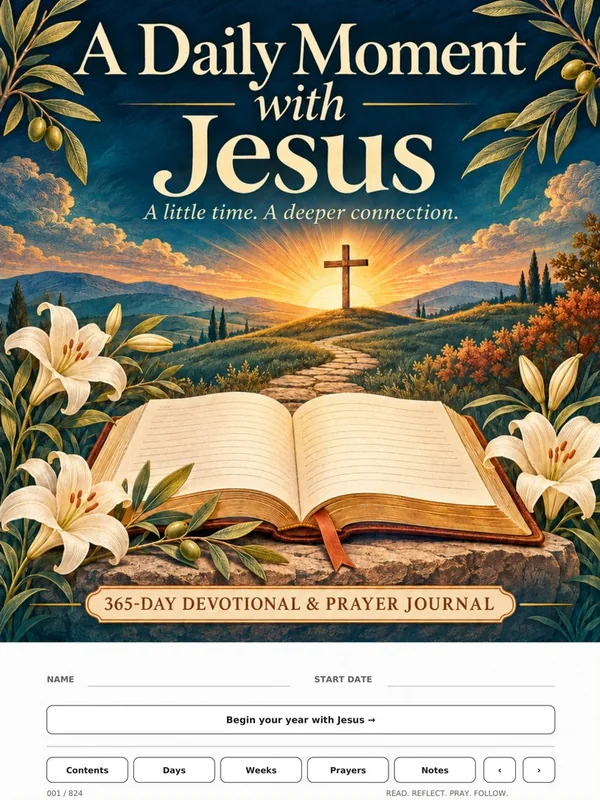
Scripture, reflection and prayer each day.
Sale price $6.40 , regular price $8.00$8.00

One thought and one question a day.
Sale price $5.60 , regular price $7.00$7.00

Small acts of kindness, worth remembering.
Sale price $5.60 , regular price $7.00$7.00

A year of weekly devotionals for work.
Sale price $5.60 , regular price $7.00$7.00
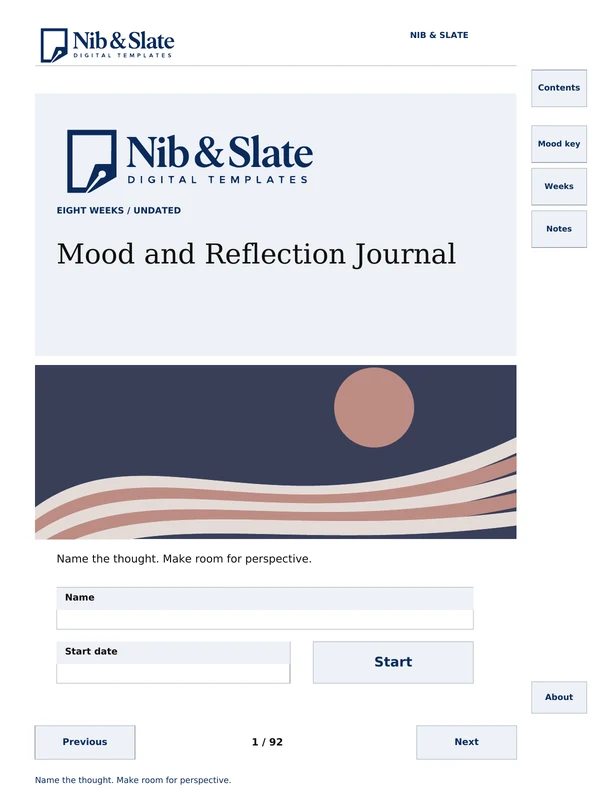
Daily reflection pages, weekly reviews and a mood key.
Sale price $5.60 , regular price $7.00$7.00
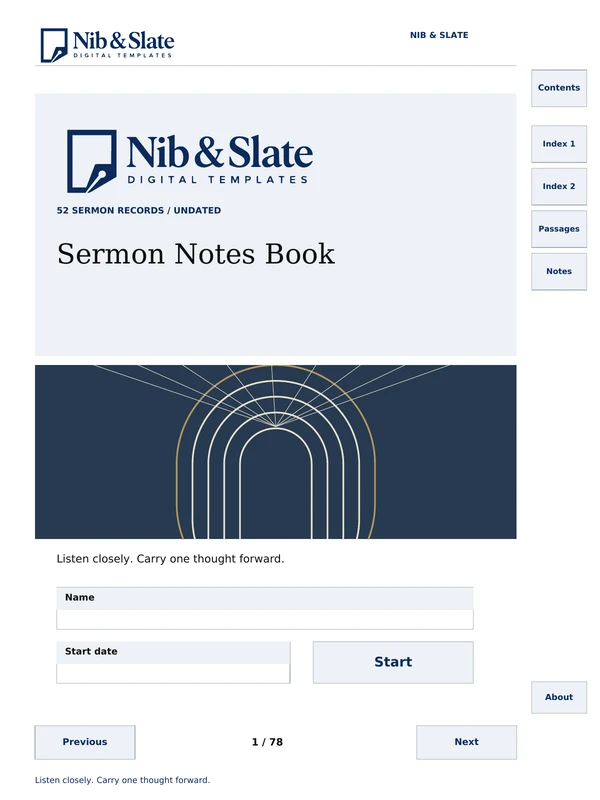
A linked index and 52 sermon record pages.
Sale price $5.60 , regular price $7.00$7.00
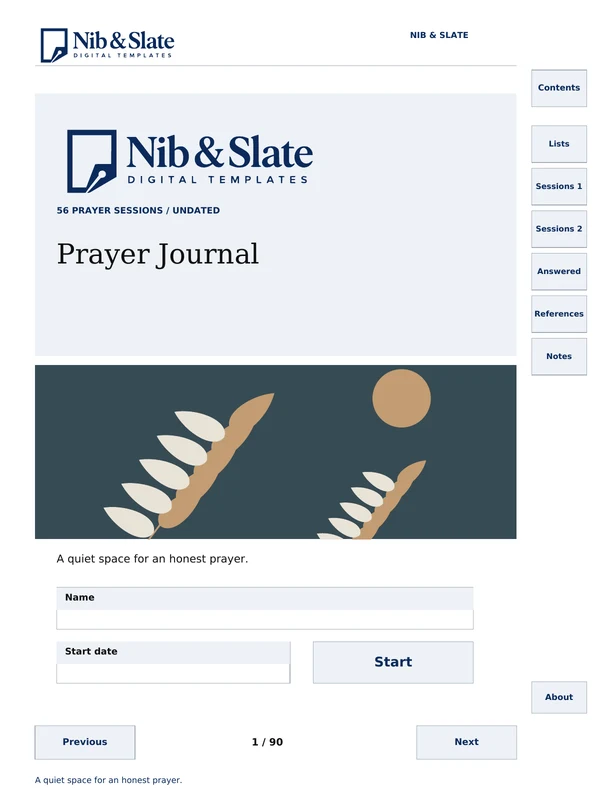
Prayer lists, session pages and answered-prayer logs.
Sale price $5.60 , regular price $7.00$7.00
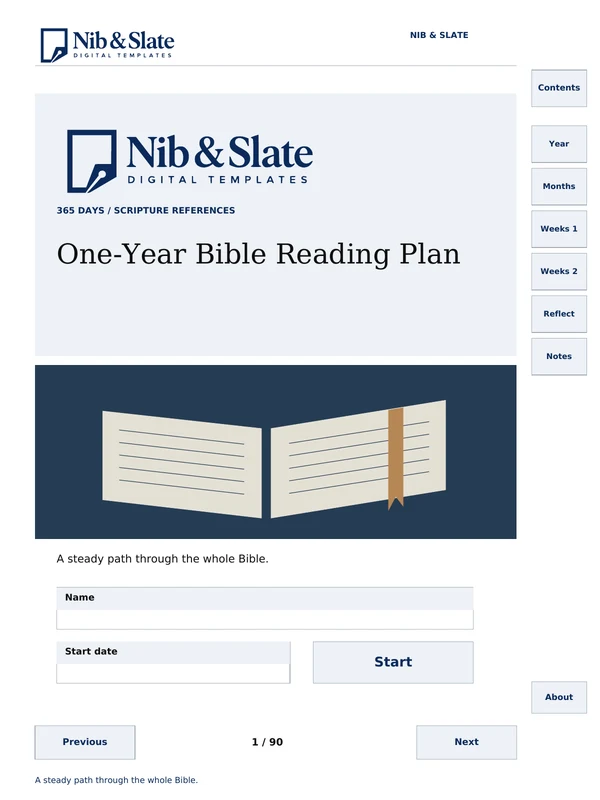
A 365-day plan covering the Protestant Bible.
Sale price $5.60 , regular price $7.00$7.00
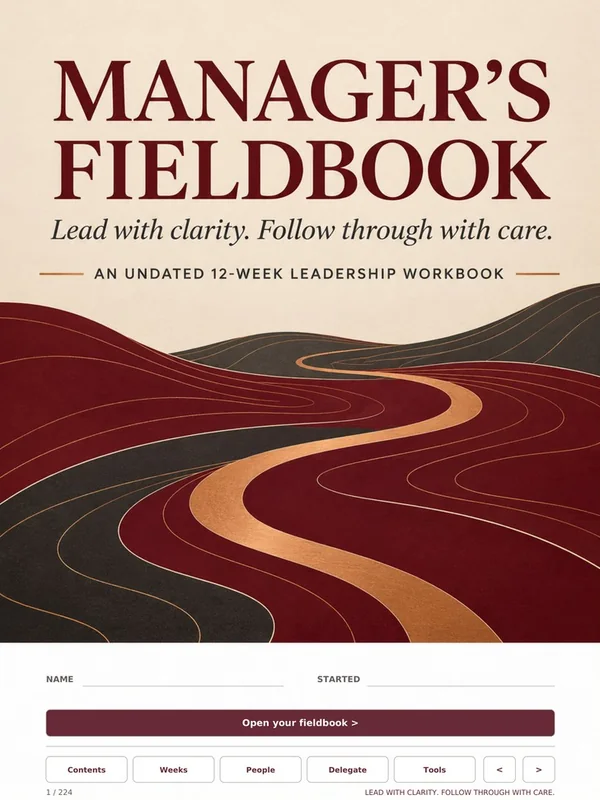
Plan the week and support your team.
Sale price $5.60 , regular price $7.00$7.00
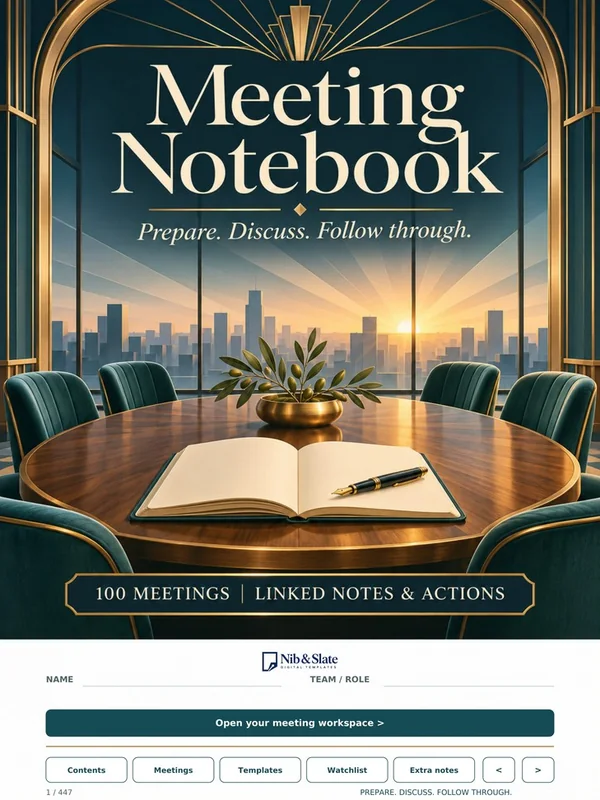
100 linked meeting records in one file.
Sale price $5.60 , regular price $7.00$7.00
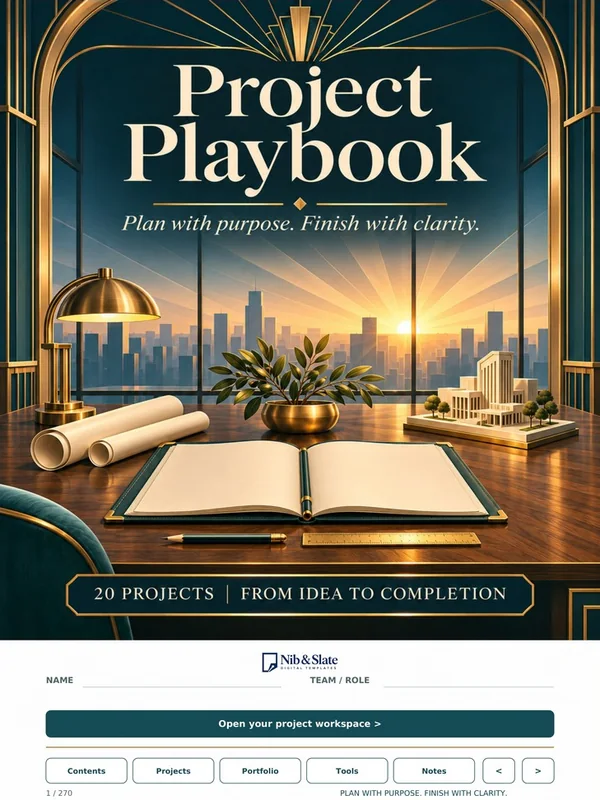
Twenty project records with portfolio summaries.
Sale price $5.60 , regular price $7.00$7.00
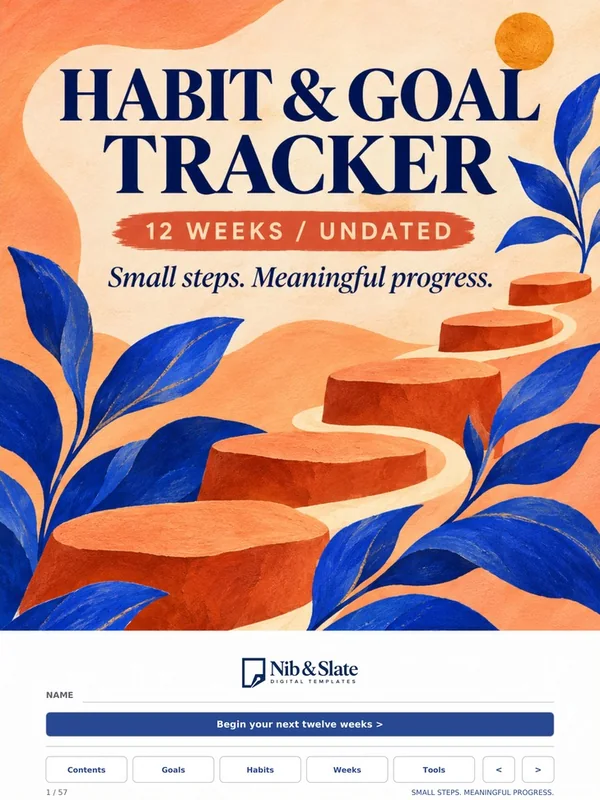
Twelve weeks of small, steady steps.
Sale price $5.60 , regular price $7.00$7.00
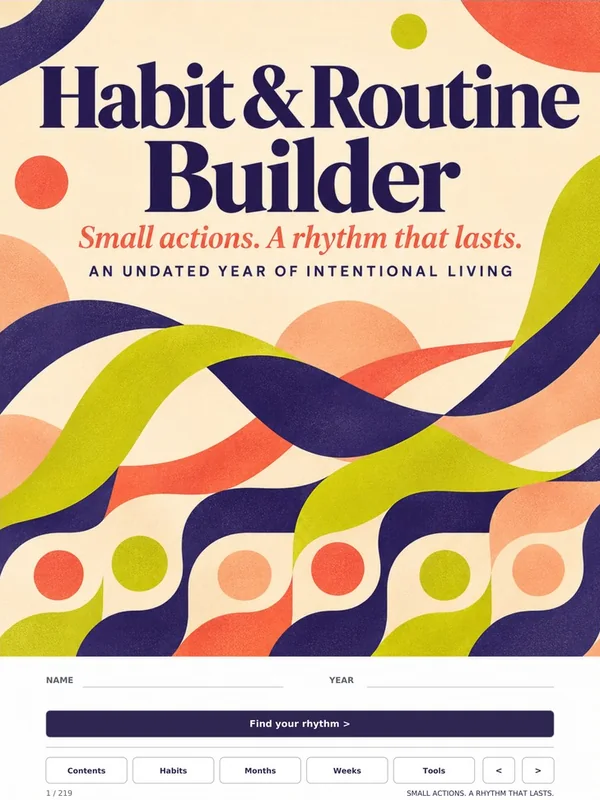
An undated year of habits and routines.
Sale price $5.60 , regular price $7.00$7.00

Room to grow an idea, with an illustrated cover.
Sale price $5.60 , regular price $7.00$7.00

Room to grow an idea, with a minimal cover.
Sale price $5.60 , regular price $7.00$7.00
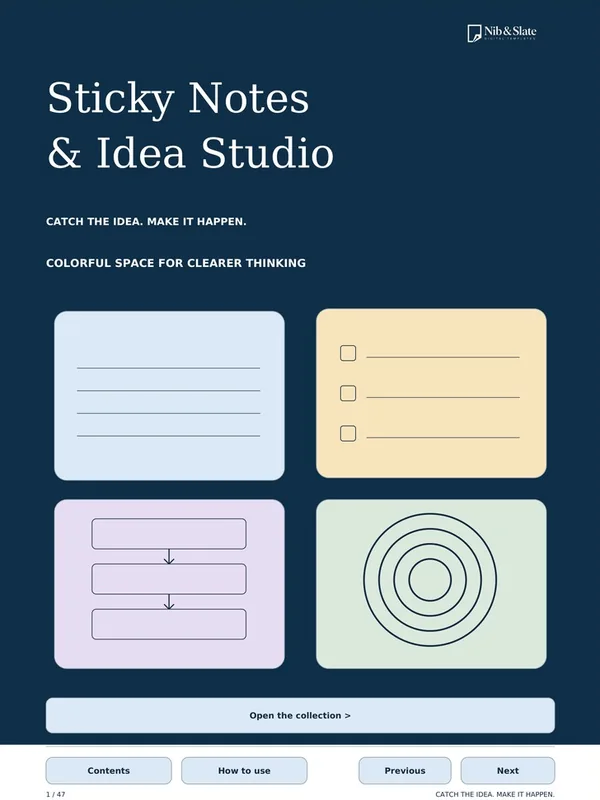
Sticky notes, mind maps and idea boards.
Sale price $4.00 , regular price $5.00$5.00
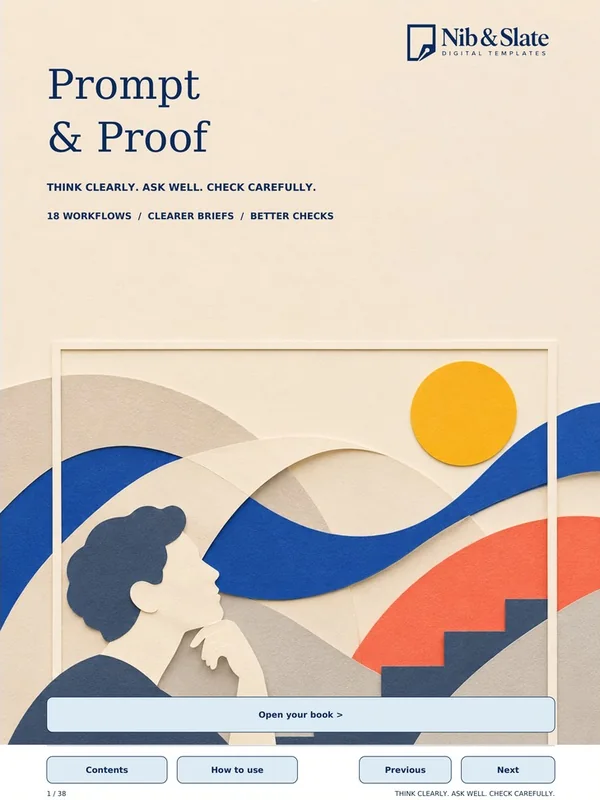
Plan AI requests and check the results.
Sale price $4.00 , regular price $5.00$5.00
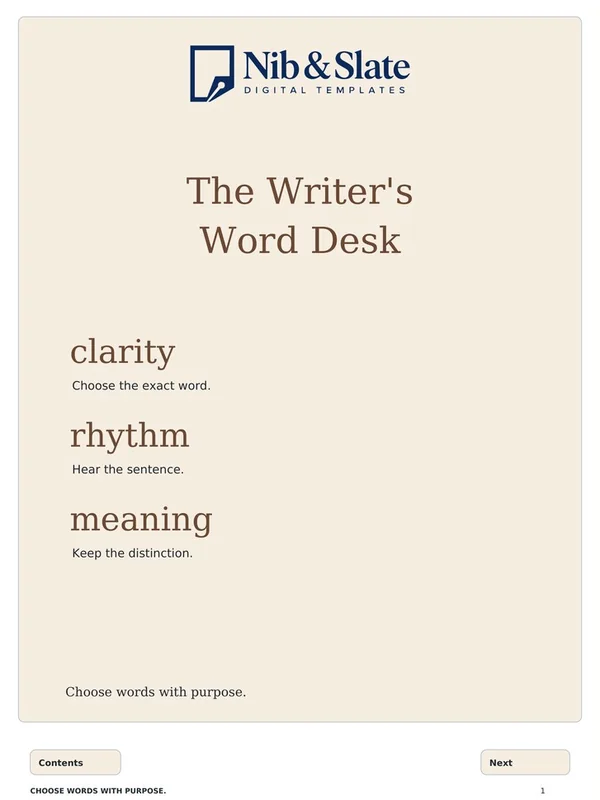
A word-choice companion for writers.
Sale price $4.00 , regular price $5.00$5.00
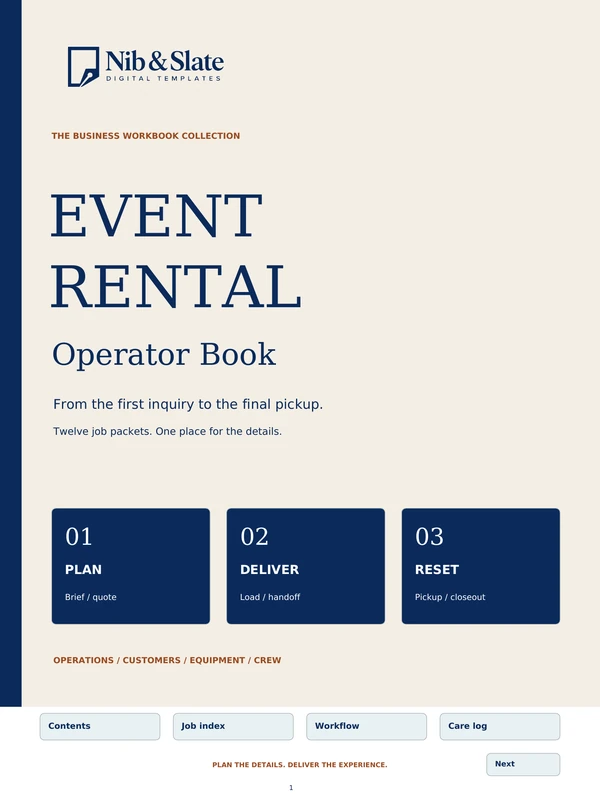
Twelve job packets, from inquiry to pickup.
Sale price $5.60 , regular price $7.00$7.00
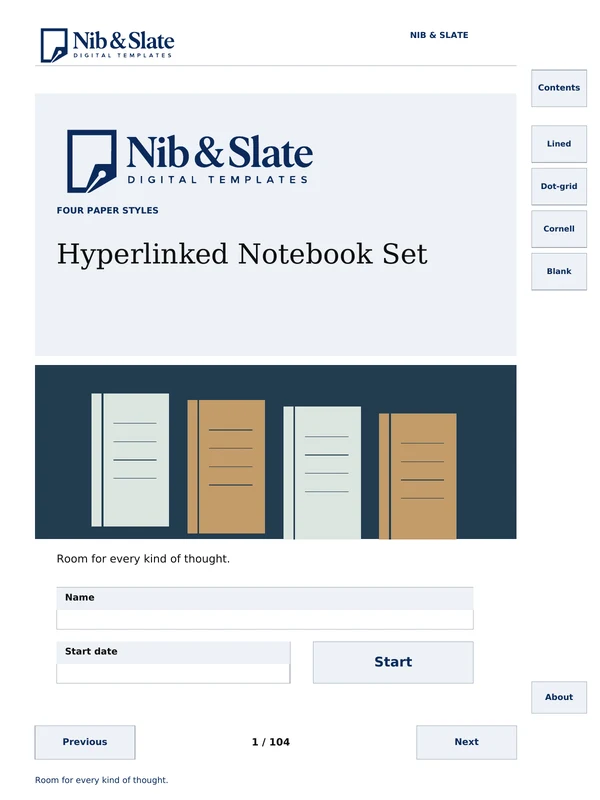
Lined, dot-grid, Cornell and blank sections.
Sale price $5.60 , regular price $7.00$7.00
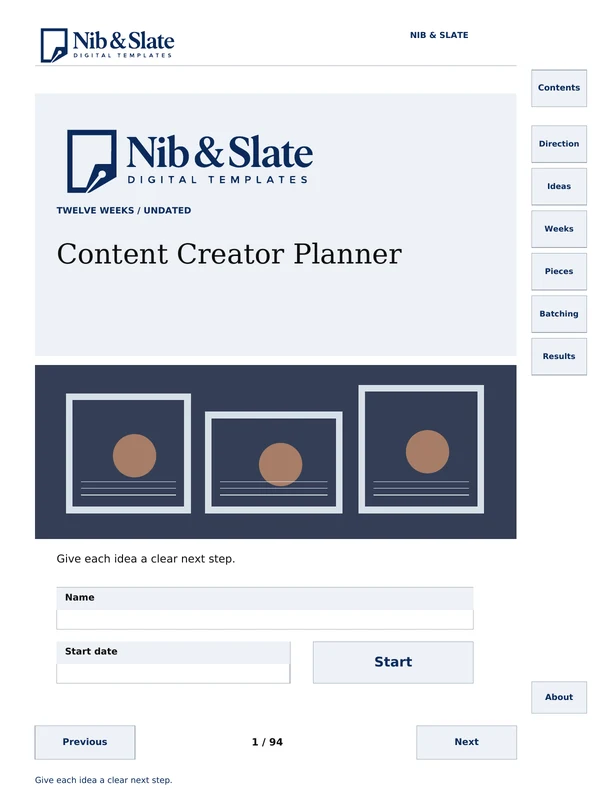
An undated 12-week planner for ideas, pieces and notes.
Sale price $5.60 , regular price $7.00$7.00
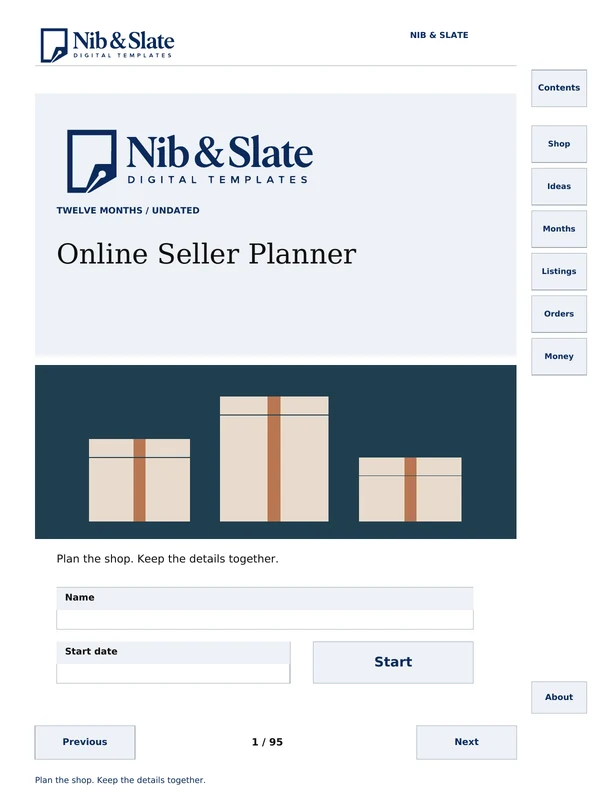
An undated 12-month shop planner.
Sale price $5.60 , regular price $7.00$7.00
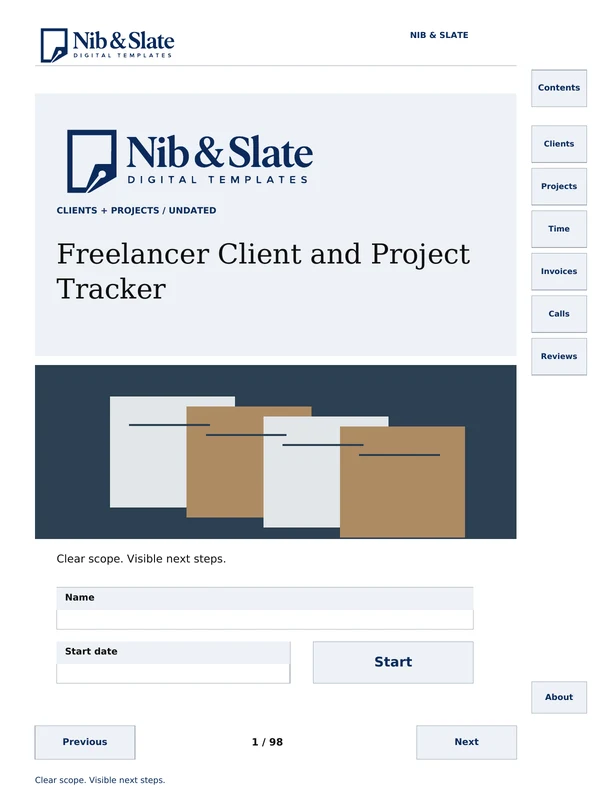
A tracker for clients, projects, time and invoices.
Sale price $5.60 , regular price $7.00$7.00
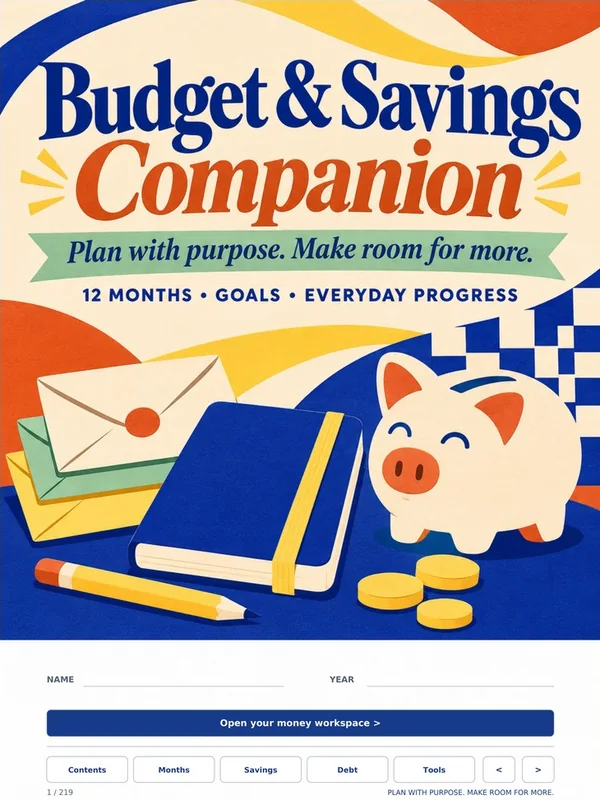
A calmer way to plan your money.
Sale price $5.60 , regular price $7.00$7.00
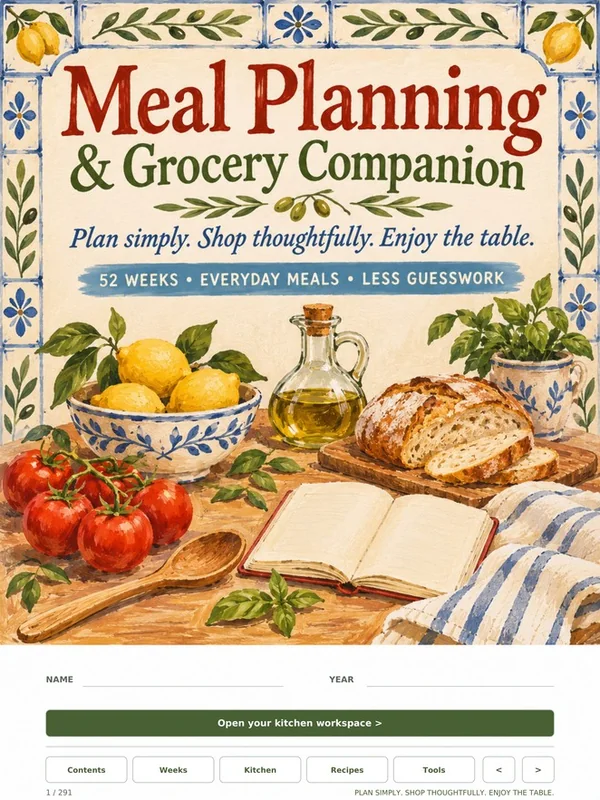
Plan the week, then shop with a list.
Sale price $5.60 , regular price $7.00$7.00
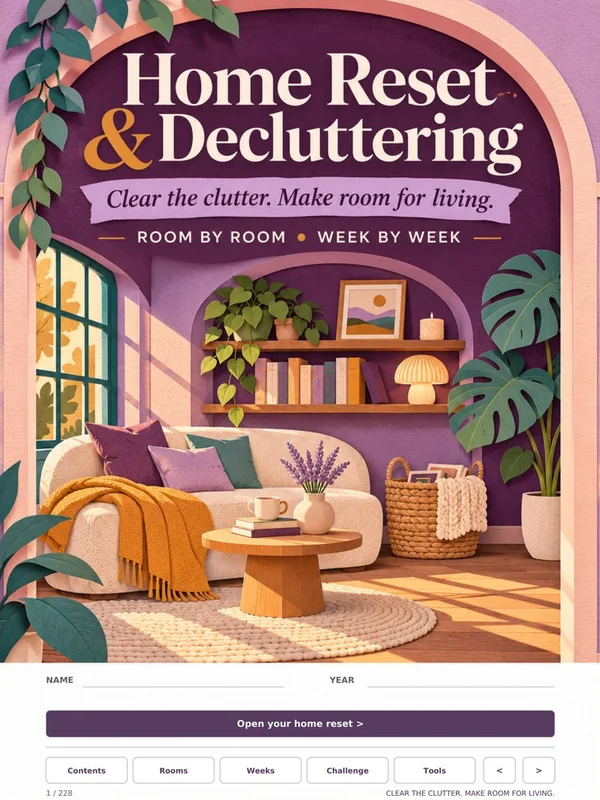
One useful change at a time.
Sale price $5.60 , regular price $7.00$7.00
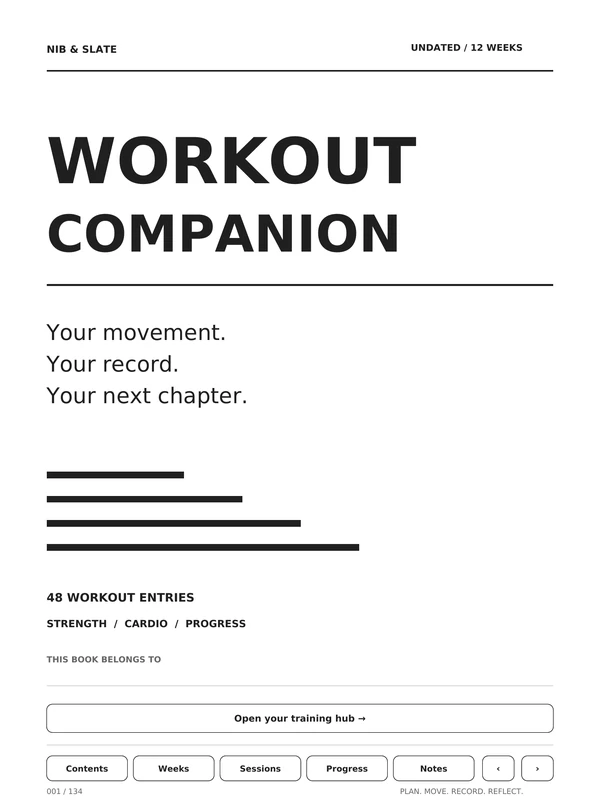
An undated 12-week training log.
Sale price $5.60 , regular price $7.00$7.00
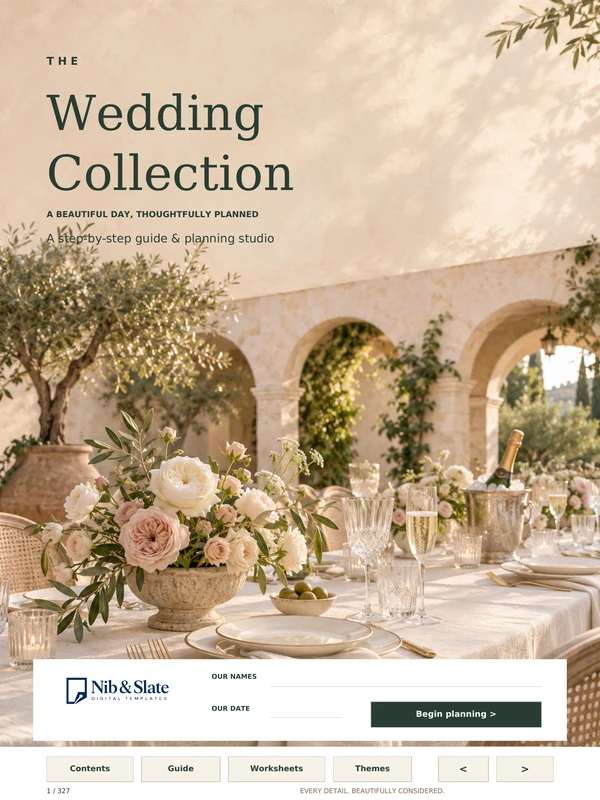
A step-by-step wedding guide and planning studio.
Sale price $6.40 , regular price $8.00$8.00
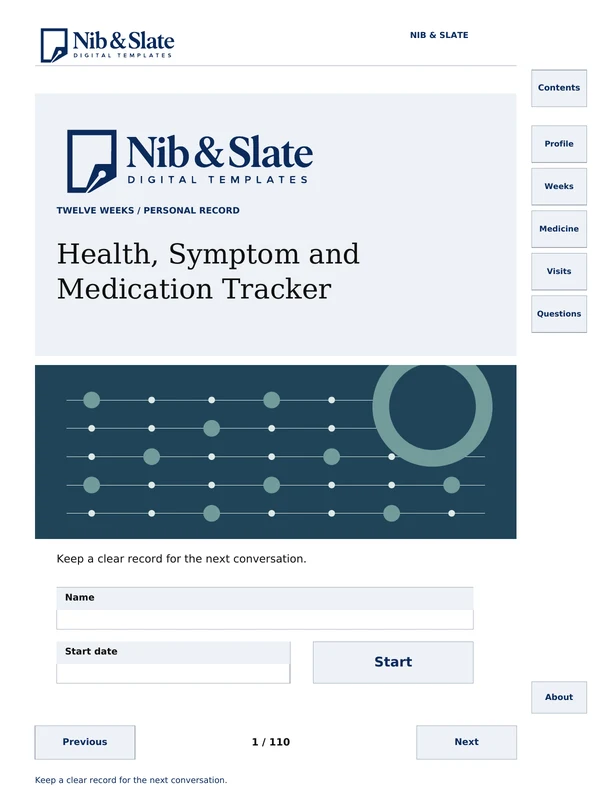
An undated 12-week personal health record.
Sale price $5.60 , regular price $7.00$7.00
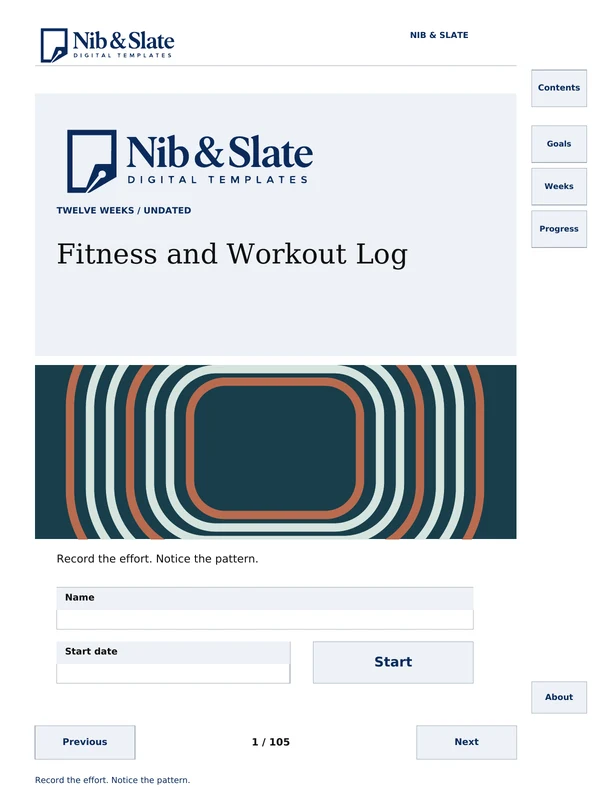
An undated 12-week workout session log.
Sale price $4.80 , regular price $6.00$6.00
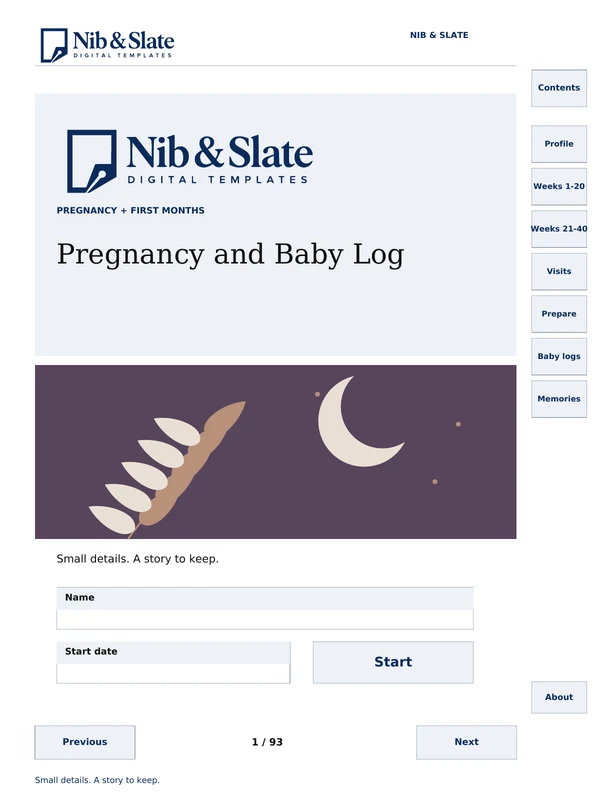
Pregnancy week pages and first-months baby records.
Sale price $5.60 , regular price $7.00$7.00
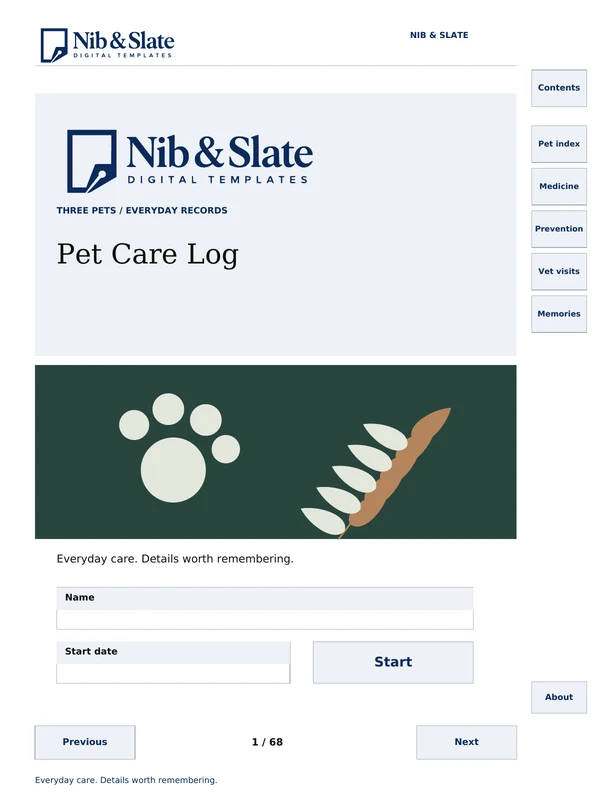
A handwritten care log for up to three pets.
Sale price $5.60 , regular price $7.00$7.00
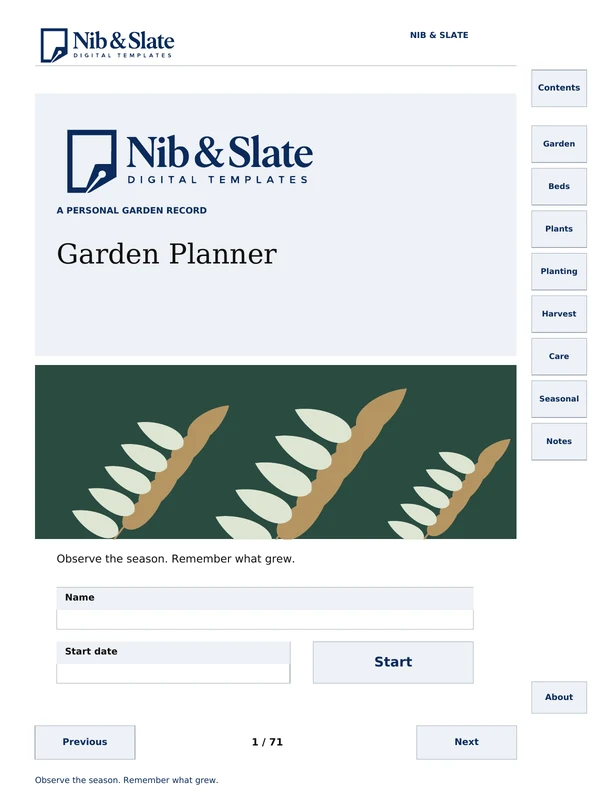
An undated personal garden log.
Sale price $5.60 , regular price $7.00$7.00
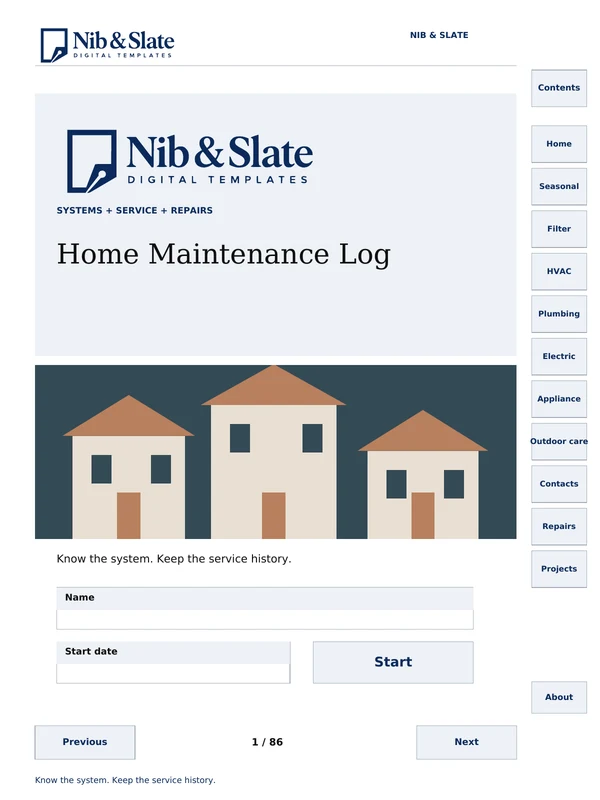
A home systems and repair log.
Sale price $5.60 , regular price $7.00$7.00

16 topics with worked examples and practice.
Sale price $4.00 , regular price $5.00$5.00
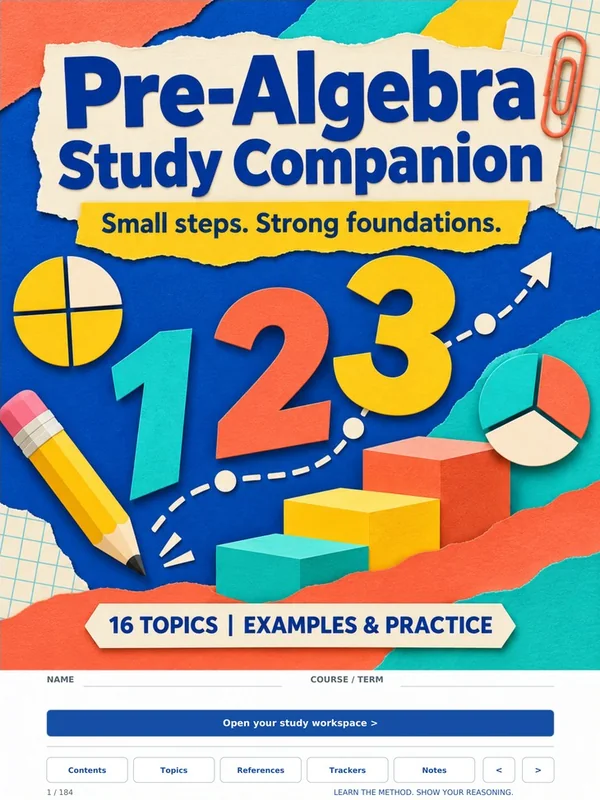
16 topics with worked examples and practice.
Sale price $4.00 , regular price $5.00$5.00
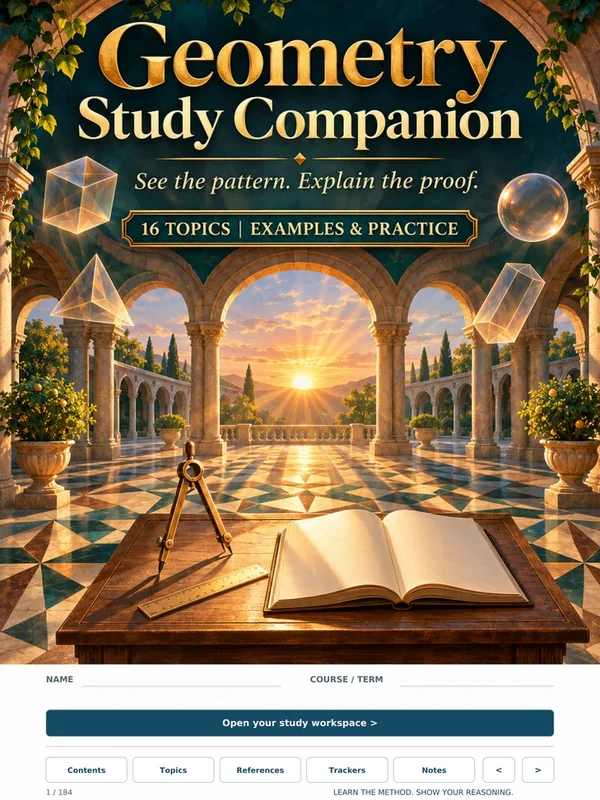
16 topics with worked examples and practice.
Sale price $4.00 , regular price $5.00$5.00

16 topics with worked examples and practice.
Sale price $4.00 , regular price $5.00$5.00
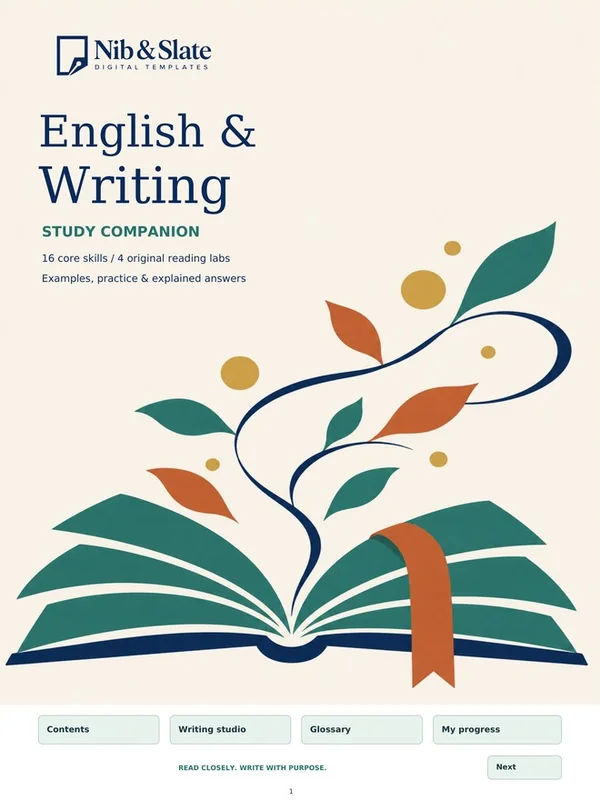
Sixteen writing skill units and four reading labs.
Sale price $4.00 , regular price $5.00$5.00

Ten short lessons in research skills.
Sale price $4.00 , regular price $5.00$5.00
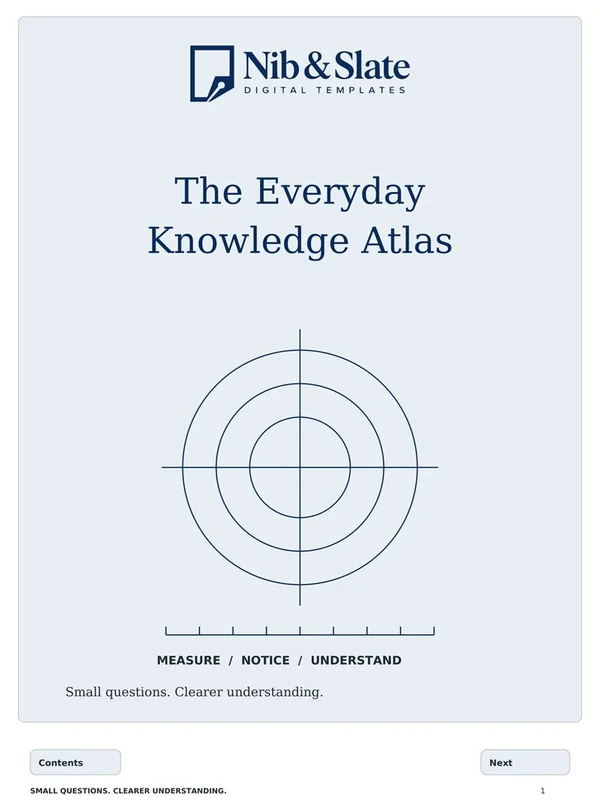
Twenty measurement, math, map and sky topics.
Sale price $4.00 , regular price $5.00$5.00

Morse practice, a map challenge, knots and sewing.
Sale price $4.00 , regular price $5.00$5.00
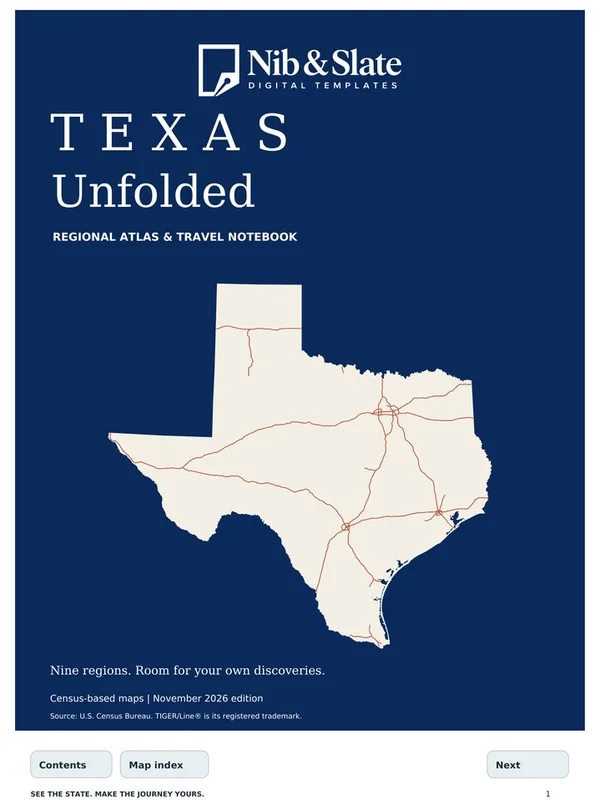
Nine regional maps and journey pages.
Sale price $5.60 , regular price $7.00$7.00
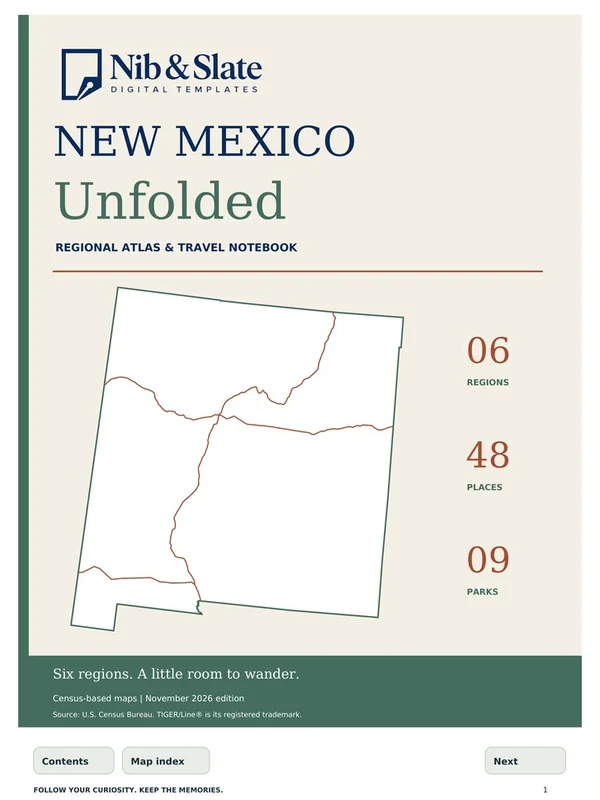
Six regional maps and journey pages.
Sale price $4.00 , regular price $5.00$5.00
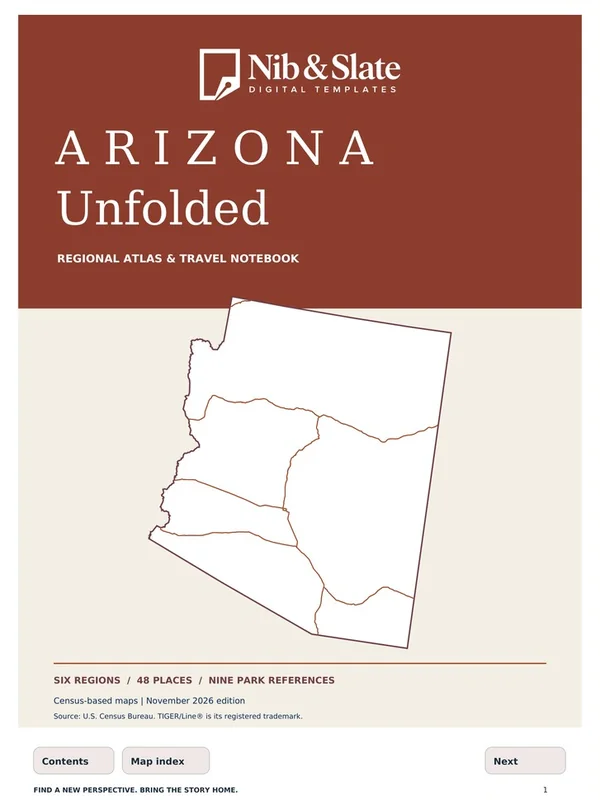
Six regional maps and journey pages.
Sale price $4.00 , regular price $5.00$5.00
Independent Skills Companion.
Not affiliated with ACT, Inc.
Sale price $4.00 , regular price $5.00$5.00
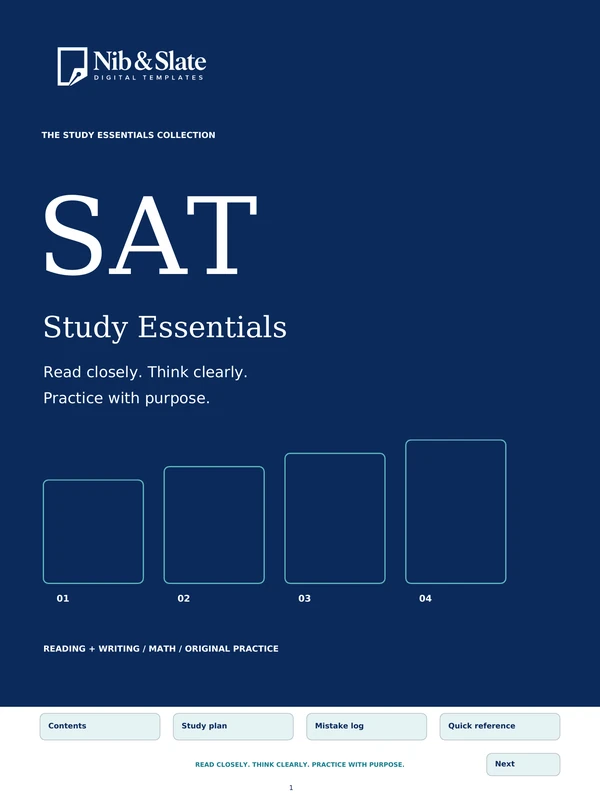
Independent Skills Companion.
Not affiliated with or endorsed by College Board.
Sale price $4.00 , regular price $5.00$5.00
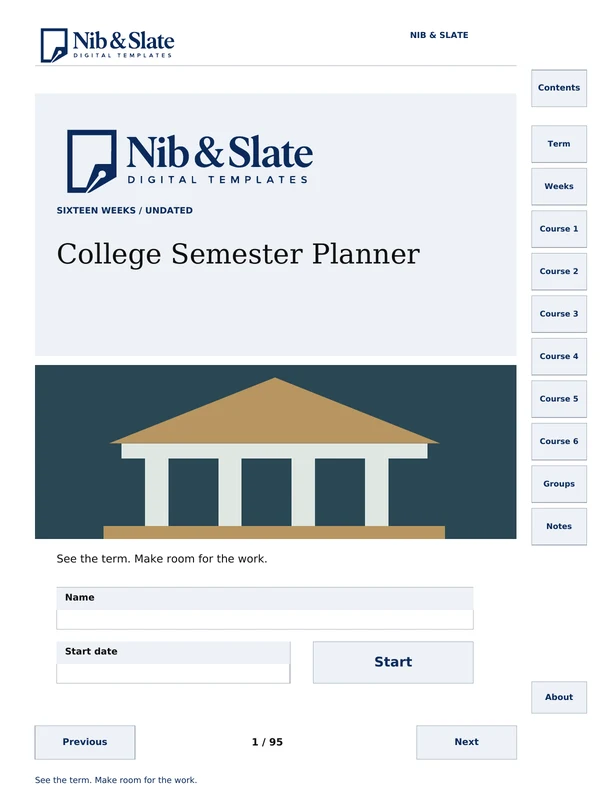
An undated 16-week student semester planner.
Sale price $5.60 , regular price $7.00$7.00
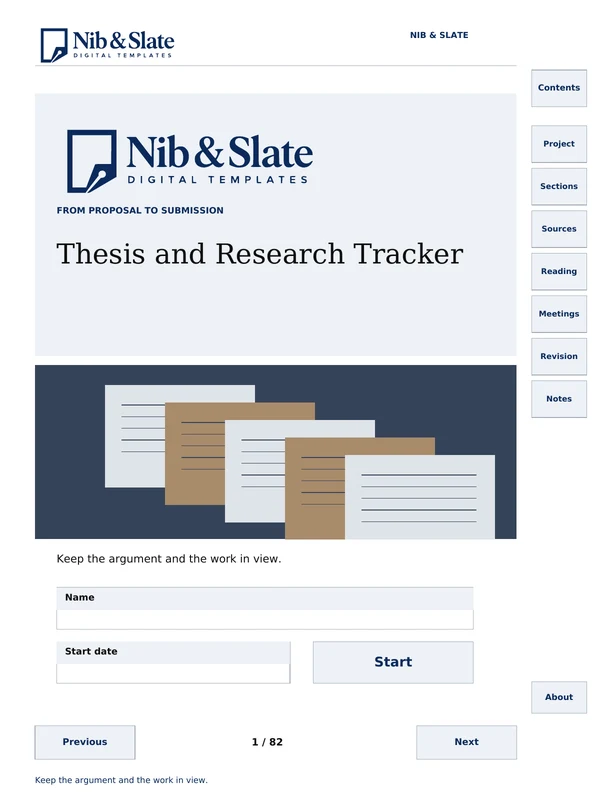
A tracker for a thesis or long research paper.
Sale price $5.60 , regular price $7.00$7.00
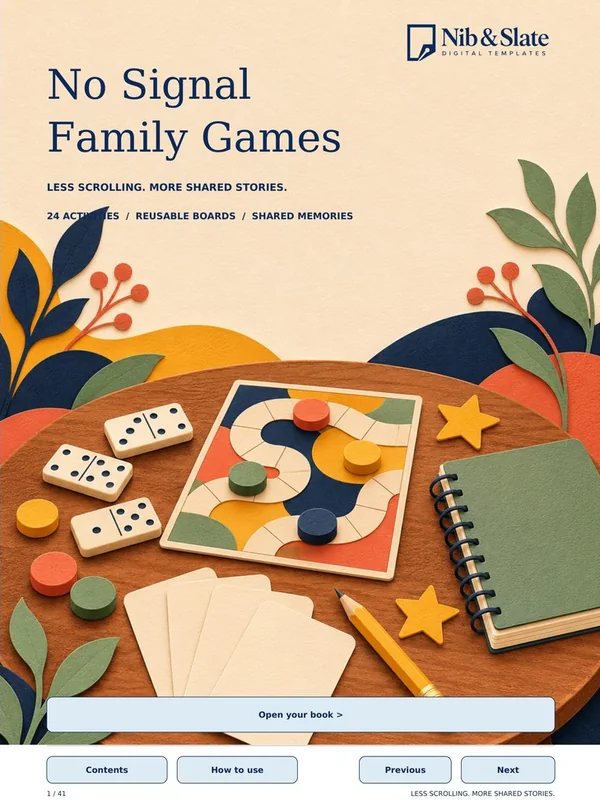
24 original games for family time.
Sale price $4.00 , regular price $5.00$5.00
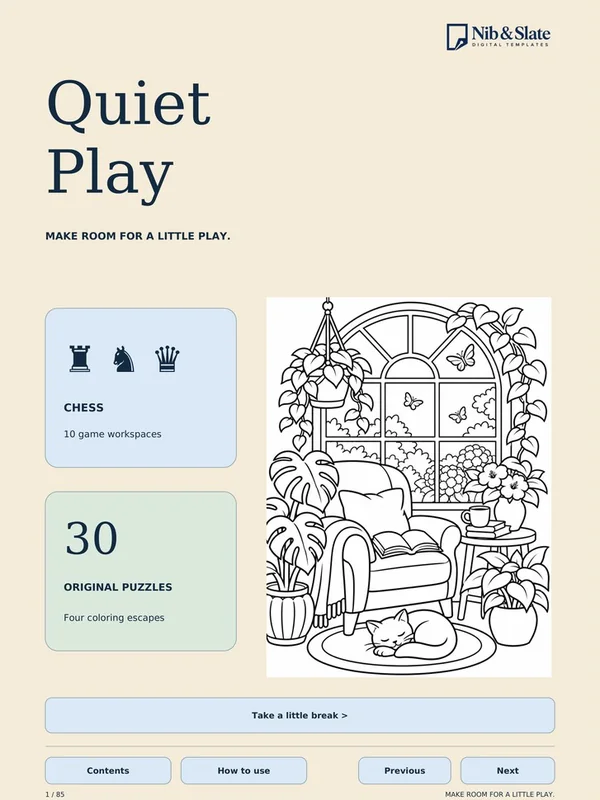
Sudoku, mazes, word searches and coloring.
Sale price $4.00 , regular price $5.00$5.00
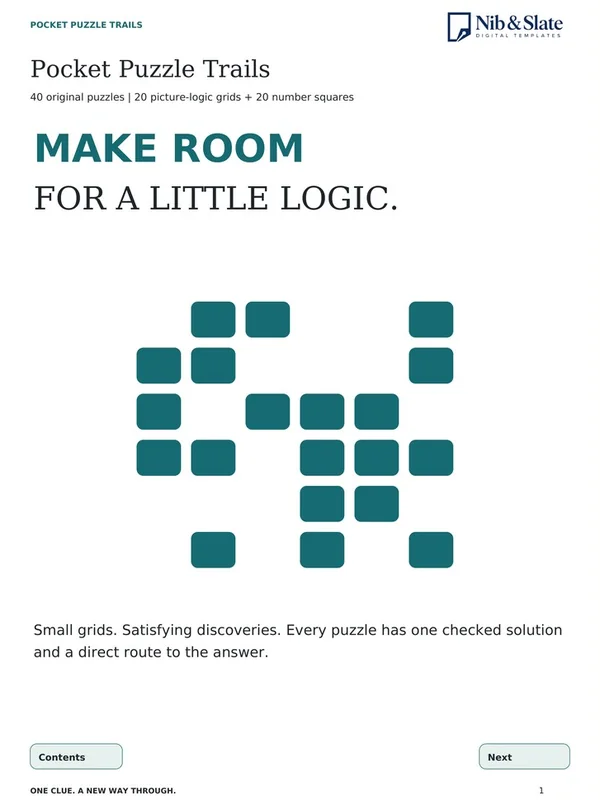
40 original logic puzzles with answer pages.
Sale price $4.00 , regular price $5.00$5.00
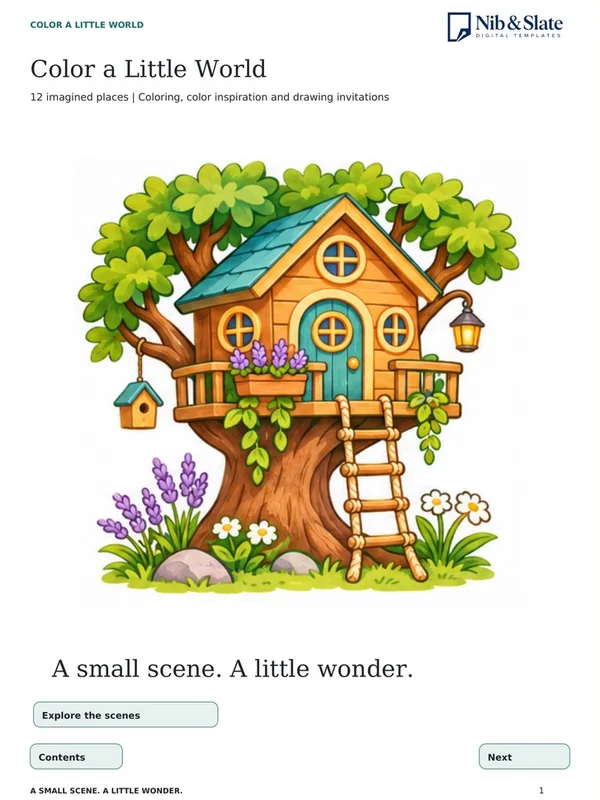
Twelve imagined places to color.
Sale price $4.00 , regular price $5.00$5.00
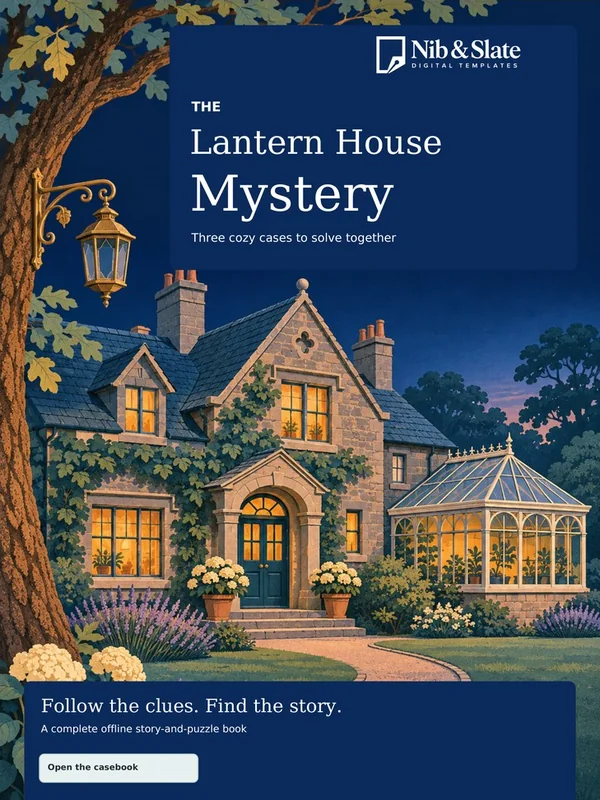
Three cozy story mysteries, with hints.
Sale price $4.00 , regular price $5.00$5.00
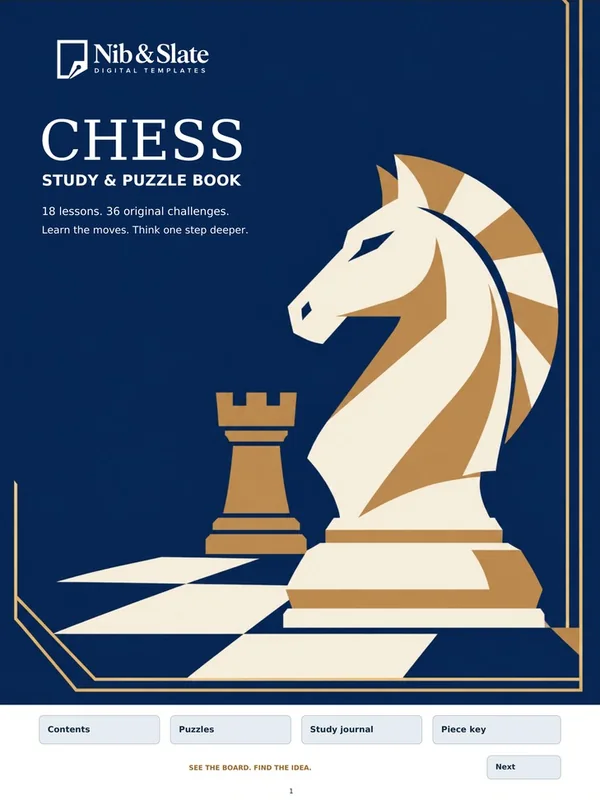
Eighteen chess lessons and 36 challenges.
Sale price $4.00 , regular price $5.00$5.00
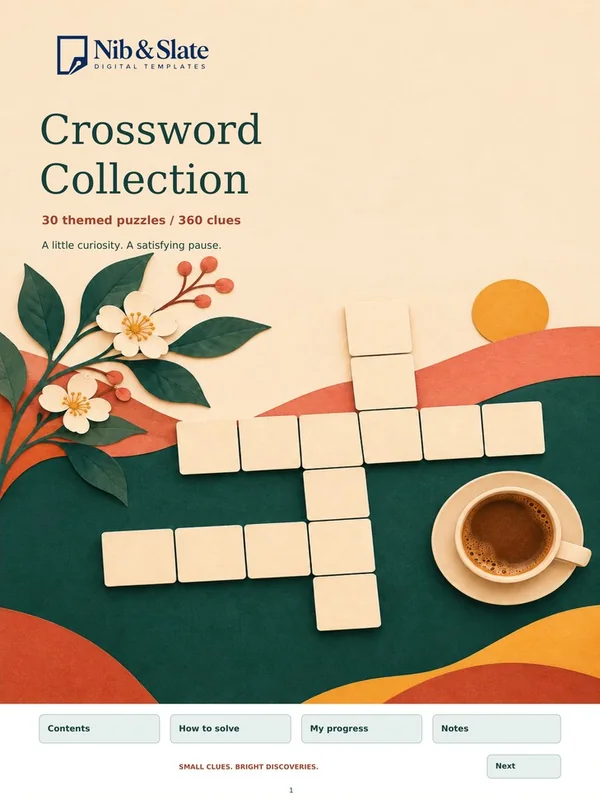
Thirty themed crosswords with hints and solutions.
Sale price $4.00 , regular price $5.00$5.00
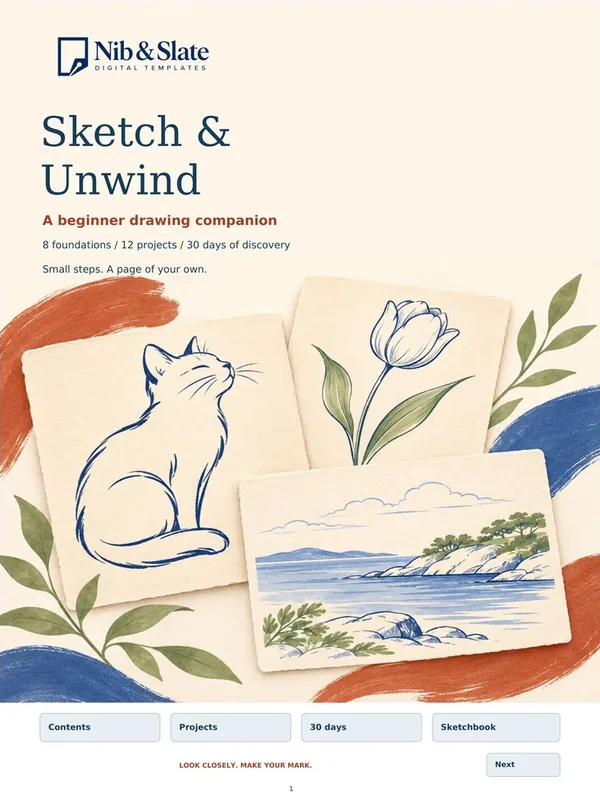
Eight lessons, twelve projects, a 30-day challenge.
Sale price $4.00 , regular price $5.00$5.00
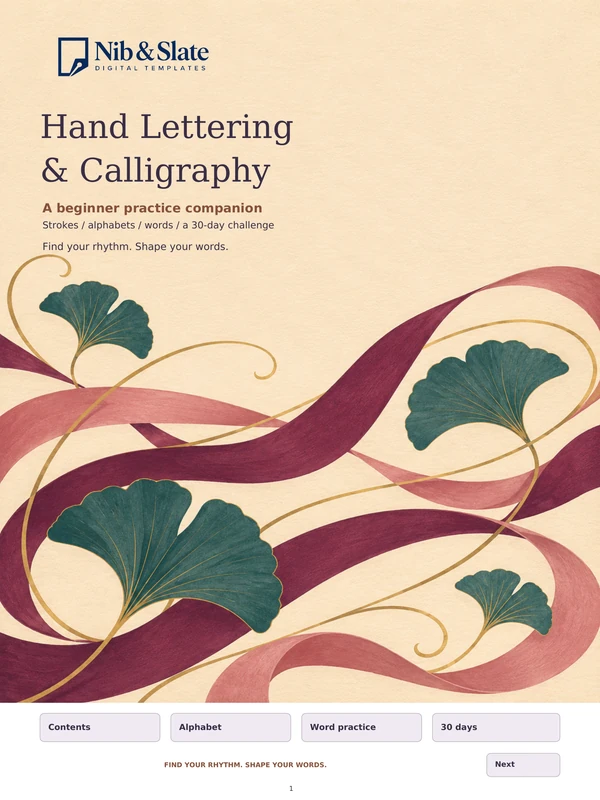
Beginner Practice Companion.
Sale price $4.00 , regular price $5.00$5.00

Six Gentle Tales to Read and Share.
Sale price $4.00 , regular price $5.00$5.00
Built for e-ink
Every template is fully hyperlinked, so a long planner never feels long. Tabs, calendars and buttons take you straight to the page you need, then back again.
Works with
And any tablet or app that opens PDF files. Device names belong to their owners; Nib & Slate is an independent shop.
Hyperlinked tabs, calendars and buttons take you straight to the page you need, then back again.
A matte, paper-like screen with far less glare than a glossy display.
Planners, journals and notebooks live together on one slim tablet instead of a stack of paper books.
Made for reMarkable, Kindle Scribe, Kobo, Boox and Supernote, and opens on any tablet or app that reads PDF files. Writing and link features vary by device.
Buy once, keep the file. No subscriptions.
Pick the one you want and check out securely on Payhip, our store and checkout partner.
Your download link appears right after checkout, so you can save the file straight away.
Add the PDF to your device the way you normally add documents, and start writing.
Need help with step three? Every purchase includes an 11-page How to Install guide with steps for each device.
They are made for e-ink tablets and PDF apps, including reMarkable, Kindle Scribe, Kobo Elipsa and Kobo Libra Colour, Boox, Supernote, and GoodNotes on iPad. Writing and link features vary by device and app, so open the file in your device's PDF reader rather than converting it to an ebook.
After checkout, Payhip shows your download link and also emails it to you. Download the PDF to a computer if you can, then add it to your tablet. On reMarkable, open the desktop app and drag the PDF into the app window, or click Import. Other devices have their own equivalent, such as Send to Kindle, a USB cable or a cloud service your device supports. On Kindle Scribe, use Send to Kindle so you can write on the PDF. Every purchase includes an 11-page How to Install guide with steps for each device.
They are standard PDF files, ready to download. Most templates include both a Color edition and a Black-and-White edition. A few are a single black-and-white edition, noted on the card. Pages are portrait, in a 3:4 shape that suits tablet screens. Open them in your device's own PDF reader rather than converting them to an ebook, which can change the layout and stop the links from working.
Yes. Every template is fully hyperlinked. Start on the Contents page, then tap a date, a tab or a button to jump to that page. On some devices you tap with a finger, on others with the pen, or you switch to a reading or hand tool first. Open the file in your device's own PDF reader rather than converting it to an ebook, which can stop the links from working.
Most templates include both a Color PDF and a Black-and-White PDF for one price, with the same pages and the same links. Use Color on a color screen and Black-and-White on a grayscale screen. A few are a single black-and-white edition, noted on the card.
The 2027 planners are dated: the 2027 Daily Planner, the 2027 Dated Daily + Weekly Planner, the 2027 Simple Monthly Planner, 2027 Family Weekends and the ADHD-Friendly 2027 Planner. So is the Holiday Planner 2026. Most of the others are undated, so you can start any time.
Digital downloads, all sales final. Email us if a file won't download or open and we'll resend or fix it. Nothing physical is shipped, and files are delivered instantly. If your download link stops working or a file needs a fix, write to support@nibandslate.com and we will resend your link or make it right.
Each price is shown on its card and on its Payhip page, in US dollars. It is a one-time purchase with no subscription. When a template includes both a Color edition and a Black-and-White edition, both are included for that one price.
Our templates are sold through Payhip, a secure checkout for digital products. Payment is processed securely by Payhip.
A question about a template, or a file that won't open? Write to us and we'll get back to you.
support@nibandslate.com